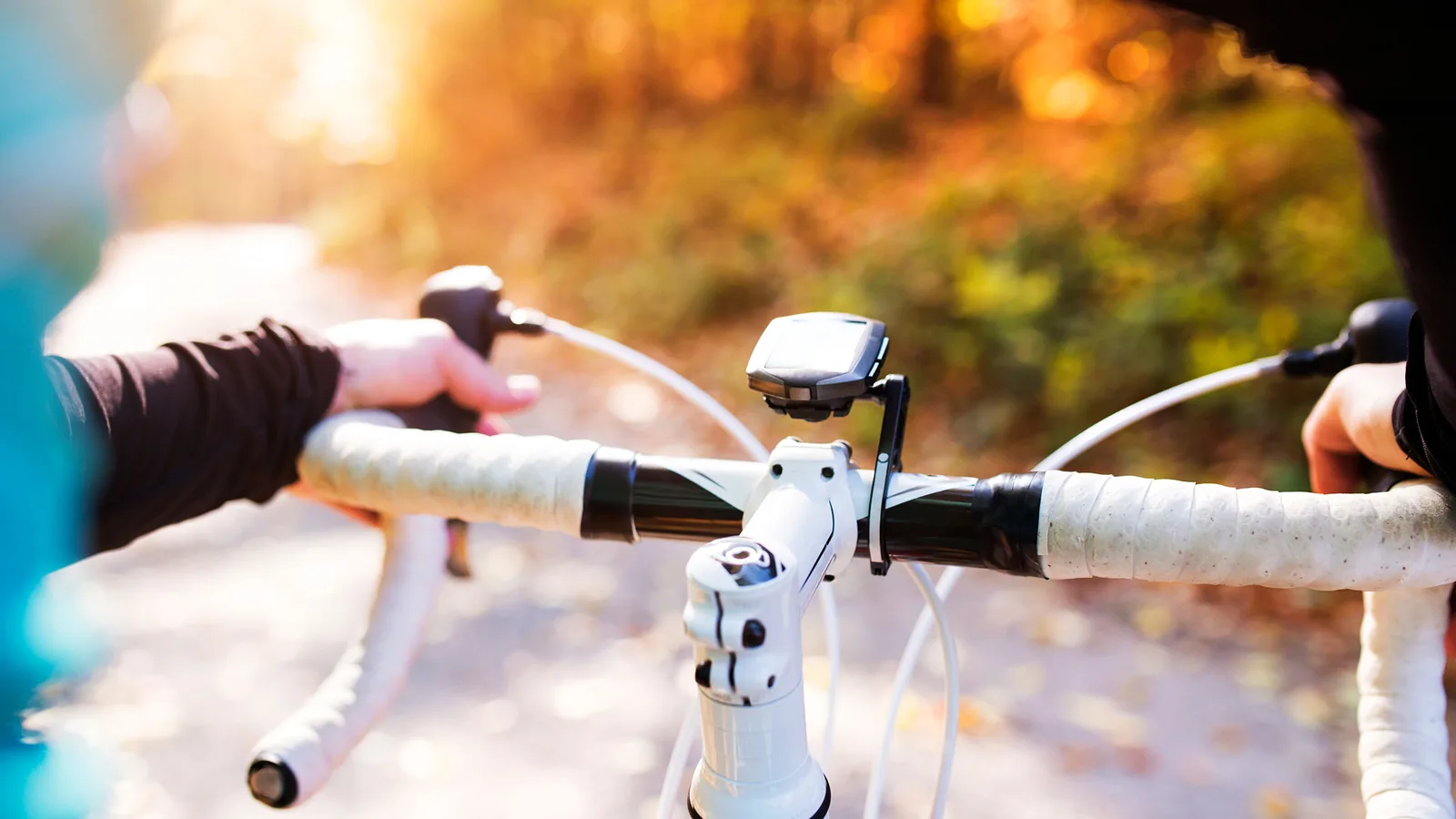
Best bike computers: 5 picks for UK club riders
Our pick of the best bike computers for UK club riders, from the Garmin Edge 1040 to budget route-followers — plus the features worth paying for.
The quick answer: which bike computer is right for you?
A bike computer earns its place on the bars the first time you stop squinting at a rain-streaked phone. The right one shows speed, distance, heart rate, power and a route line you can actually follow on a wet Sunday club run, and it keeps going long after your phone battery would have given up.
The short answer, before the detail:
- Best overall: Garmin Edge 1040 — the most complete unit here, with proper routable mapping and battery life that shrugs off long days.
- Simplest to live with: Wahoo ELEMNT ROAM — set it up from your phone in minutes and never fight a menu again.
- Best screen for navigating: Hammerhead Karoo 3 — the sharpest, most phone-like map of the five.
- Small and race-ready: Wahoo ELEMNT BOLT — same simple software, half the bulk.
- Best value route-follower: Garmin Edge Explore 2 — full Garmin mapping without the training lab attached.
The best bike computers for road and club riding
Best overall
Garmin Edge 1040
4.5The default choice if you want one computer that does everything. You get full colour routable mapping with turn-by-turn prompts, ClimbPro gradient profiles, Strava live segments and pairing for heart rate, power and electronic drivetrains such as Di2 and SRAM eTap. The touchscreen is large enough to read at a glance and there are physical buttons for when your fingers are cold or wet. Battery life runs to long days rather than hours, which is why audax and touring riders gravitate to it. Incident detection can alert your emergency contacts if you crash.
What we rate
- Full routable maps with clear turn prompts and rerouting
- Battery life that covers all-day and multi-day rides
- Deep training, sensor and electronic groupset support
- Touchscreen plus real buttons
What to weigh up
- The most expensive unit on this list
- Bulky next to a race-only computer
- More settings and menus than most riders will ever use
Best for fuss-free set-up
Wahoo ELEMNT ROAM
4.5Wahoo's approach is the opposite of Garmin's: nearly everything is configured on your phone through the ELEMNT app, so there is very little to learn on the device itself. The colour screen stays readable in bright sun, the chunky buttons work through winter gloves, and routes load straight from Strava, Komoot or RideWithGPS. Climbing and segment features are there without cluttering the screen. This is the obvious pick for someone who wants to ride, not fiddle.
What we rate
- Set-up from a phone takes minutes
- Physical buttons that work in gloves and rain
- Glare-resistant screen that is easy to read at speed
- Simple route syncing from Strava and Komoot
What to weigh up
- Mapping is simpler than Garmin's
- Fewer post-ride analysis and training tools
- Heavy reliance on the phone app for set-up
Best screen for navigating
Hammerhead Karoo 3
4.0The Karoo 3 has the best display of the group: a big, bright colour touchscreen that behaves like a small phone, with maps that redraw quickly and reroute when you wander off course. Its Climber feature shows the gradient ahead and how much climbing is left, which is genuinely useful on unfamiliar roads. Hammerhead, now owned by SRAM, issues frequent software updates and the unit integrates neatly with SRAM AXS drivetrains. It is the computer to choose when navigation matters more than battery life.
What we rate
- Sharpest, most responsive touchscreen here
- Excellent mapping and fast rerouting
- Regular software updates and AXS integration
- Climb profiles that are easy to read mid-effort
What to weigh up
- Battery life trails the Garmin units
- Heavier and bulkier than button-only computers
- Heavy touchscreen reliance is awkward in thick gloves
Best value and compact picks
Best for racing and tight bar space
Wahoo ELEMNT BOLT
4.0The BOLT is the ROAM's smaller sibling: same app-based set-up and clean interface in a lighter, cheaper package. The screen is smaller but still colour and legible, and the LED strips along the top and side give at-a-glance cues for heart rate zones, power and upcoming turns. It covers the essentials — speed, distance, sensors, segments and route following — without the bulk, which is why it turns up on so many race bikes and short stems.
What we rate
- Light and compact on the stem
- Same straightforward Wahoo set-up as the ROAM
- LED indicators for zones and turns
- Noticeably cheaper than the flagship units
What to weigh up
- Small screen makes detailed mapping harder
- Mapping is basic compared with flagship Garmins
- Fewer training metrics than the Edge 1040
Best value route follower
Garmin Edge Explore 2
4.0Garmin's Explore line strips out the racing and performance metrics and keeps what most riders actually use: a bright touchscreen, full routable mapping, turn prompts, incident detection and simple route loading from Garmin Connect, Strava or Komoot. It also displays e-bike battery level and assist mode. If your riding is club runs, sportives and the occasional tour, it does the job for a lot less than an Edge 1040.
What we rate
- Proper Garmin mapping at a mid-range price
- Simple set-up and route loading
- Incident detection and live tracking
- E-bike compatible
What to weigh up
- No advanced training or power-based metrics
- Touchscreen only, with no buttons for laps
- Shorter battery life than the Edge 1040
How the five compare
| Computer | Display | Mapping | Battery | Buy it if |
|---|---|---|---|---|
| Garmin Edge 1040 | Large colour touchscreen plus buttons | Full routable maps, turn prompts, rerouting | Long enough for multi-day rides | You want one unit that does everything |
| Wahoo ELEMNT ROAM | Colour screen, physical buttons | Clear simplified maps with route cues | Comfortably covers a long day out | You want set-up to take minutes, not evenings |
| Hammerhead Karoo 3 | Biggest, sharpest touchscreen here | Best rerouting and climb profiles | Shorter than the Garmins | Navigation matters more than battery |
| Wahoo ELEMNT BOLT | Small colour screen, physical buttons | Basic route following | Good for long days out | You race, or have limited bar space |
| Garmin Edge Explore 2 | Mid-size colour touchscreen | Full Garmin mapping, simple menus | Fine for day rides | You follow routes and skip training metrics |
The pattern is fairly consistent: the more you spend, the more the unit wants to be a training tool as well as a navigator. The Garmin Edge 1040 is the only one here that is genuinely strong at both. The Karoo 3 wins on the map but asks you to charge it more often. The two Wahoos trade depth for speed of set-up, and the Edge Explore 2 is the pick if you know you will never look at a power curve.
What to look for in a bike computer
Mapping and rerouting. On-device routable maps with turn prompts are the difference between a navigation aid and a head unit that only tells you where you have been. If you ride unfamiliar roads, check the unit can put you back on course rather than just beep at you.
Battery. Match the quoted run time to your longest ride, then leave a margin. Cold mornings, a bright backlight and a paired power meter all eat into it.
Controls. Touchscreens are lovely in July and miserable in full-fingered gloves. At minimum you want physical buttons for start/stop and lap.
Sensors and ecosystem. Check ANT+ and Bluetooth support for your heart rate strap, power meter and lights, plus whether the unit talks to your drivetrain (Di2, SRAM eTap/AXS).
Screen size against bar space. A race bike with a 90mm stem has less room than a gravel bike with a bar bag. Measure before you buy the biggest unit going.
Charging and mounts. USB-C is quicker and less fiddly than older micro-USB, and a spare out-front mount is a cheap way to move the screen where you can see it.
- Mapping and rerouting
- 5.0/5
The single biggest reason to spend more; poor navigation is the most common complaint about budget units.
- Battery life
- 4.5/5
Matters most in winter and on long rides, where a dead computer means no record and no route home.
- Ease of set-up
- 4.0/5
A computer you dread configuring is a computer that stays in the drawer. Phone-based set-up wins here.
- Training depth
- 3.0/5
Only worth paying for if you ride with power or follow structured sessions.
- Value for money
- 4.0/5
Mid-range units cover the needs of most club riders; the flagship premium buys navigation and battery headroom.
Matching the computer to your riding
Same routes, just want the numbers. Speed, distance, heart rate, cadence and Strava segments are handled by the cheapest units here. The Wahoo ELEMNT BOLT does it in the smallest package, and the Garmin Edge Explore 2 adds real mapping for not much more.
New roads every weekend. Go for units with routable mapping and rerouting — the Edge 1040 and the Karoo 3. Having the computer put you back on course after a wrong turn is worth the extra money on its own.
Training with power. The Edge 1040 has the deepest set of structured workout, threshold and recovery tools, and pairs with just about every meter on the market. The Karoo and the Wahoos cover the basics but offer less afterwards.
Touring and audax. Battery life and dependable navigation matter more than race-day metrics, which points at the Edge 1040 or the ROAM.
A road bike plus an e-bike. The Edge Explore 2 will show e-bike battery level and assist mode alongside your ride data, which saves running two different systems.
The verdict
Bike computer questions, answered
Can I use a bike computer without a smartphone?
Yes. Once a route is loaded, most units navigate and record entirely on their own. The phone is mainly for initial set-up, uploading rides and live tracking, although Wahoo and Hammerhead rely on their apps more heavily at the set-up stage than Garmin does.
Will a bike computer work with any power meter?
Almost all current units support both ANT+ and Bluetooth Smart, which covers the vast majority of power meters, heart rate straps and speed or cadence sensors. Check the compatibility list before buying if you use something unusual, and remember that some older sensors are ANT+ only.
How accurate is GPS on a bike computer?
Good in open countryside and patchy under dense tree cover, between tall buildings and in tunnels. Units with multi-band GNSS, such as Garmin's Edge 1040, hold a fix better in difficult terrain, but every computer here records distance accurately enough for training and Strava segments.
Can I charge a bike computer while riding?
Yes. Most units will run from a USB power bank or a dynamo-fed charger while recording, which is how audax riders get through multi-day events. Use a short, good-quality cable and keep the port dry; USB-C units top up faster than older micro-USB ones.
Is a bike computer worth it if I already use a smartwatch?
A watch is fine for recording, but a bar-mounted screen is easier to read at speed and does not require taking a hand off the bars. Watches also tend to drain faster with GPS running, and following a route on your wrist mid-ride is fiddly at best.
Related articles
 Best bike helmets: 5 picks for road, commuting and valueShortlists
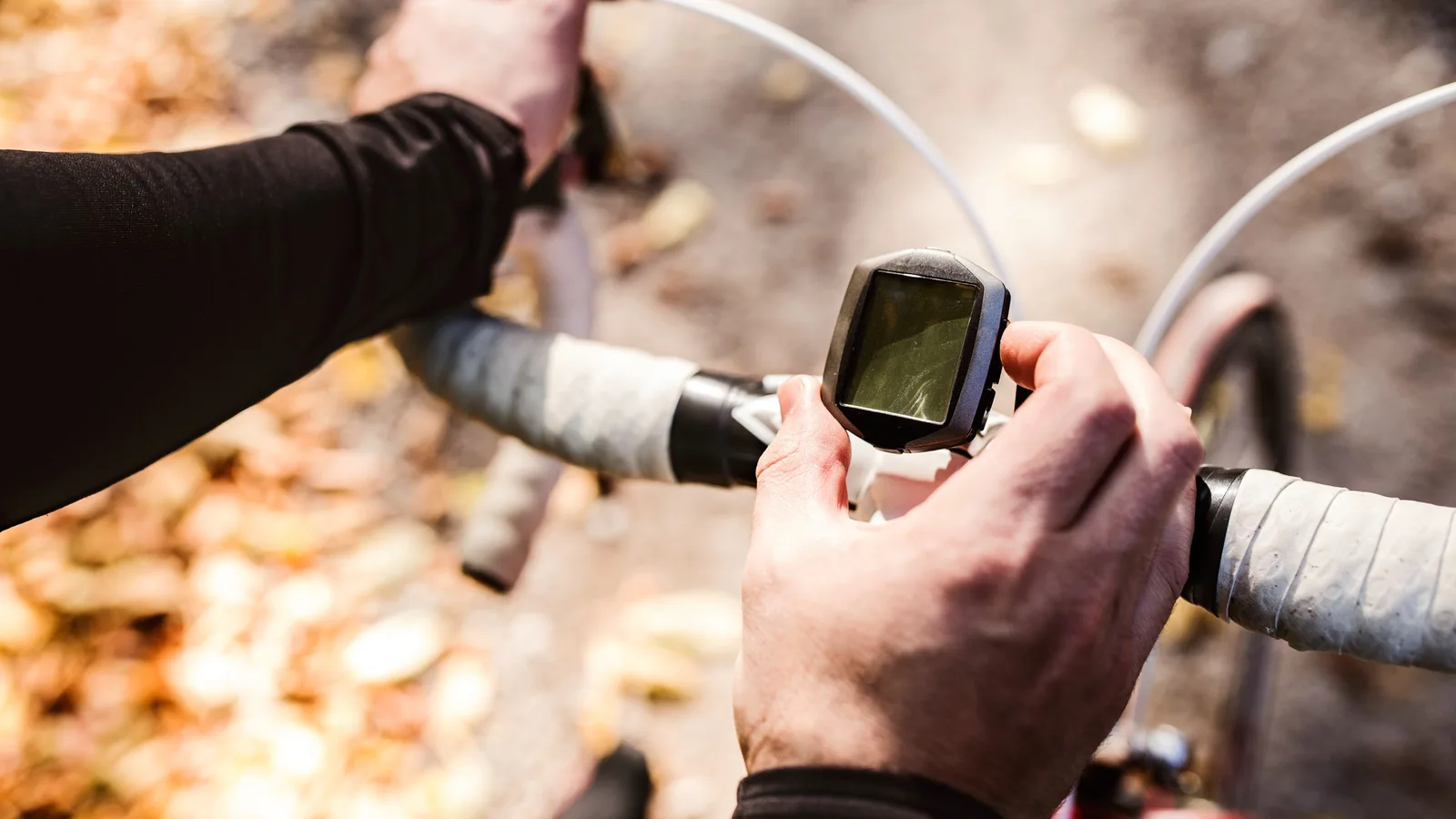 The best bike phone mounts for road and gravel ridersShortlists
 Best Bike Pumps: 5 Picks for Home, Road and TrailShortlists
 Best bike shorts: five picks for comfort on every rideShortlists
 Best BMX Bikes for Street, Park and BeginnersShortlists
 Best foldable electric bikes for UK commutersShortlists
 Best gravel bikes: five picks for UK lanes and club runsShortlists
 Best mountain bike helmets: 5 picks for UK trail ridersShortlists